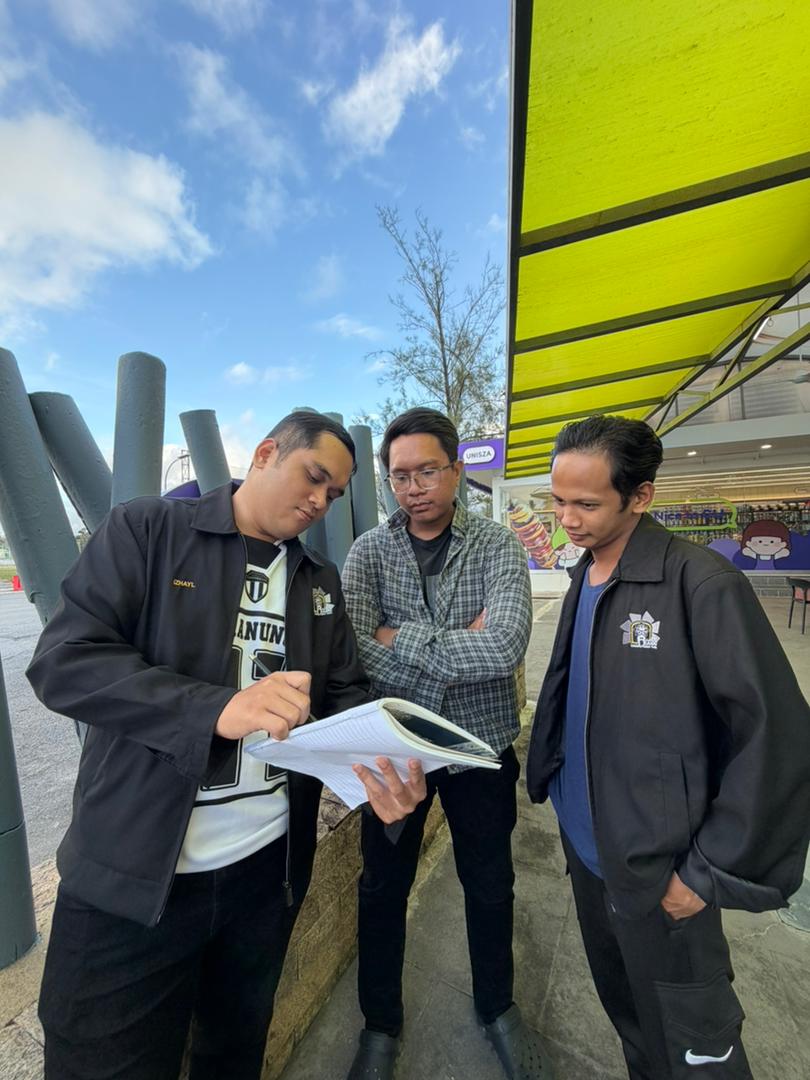
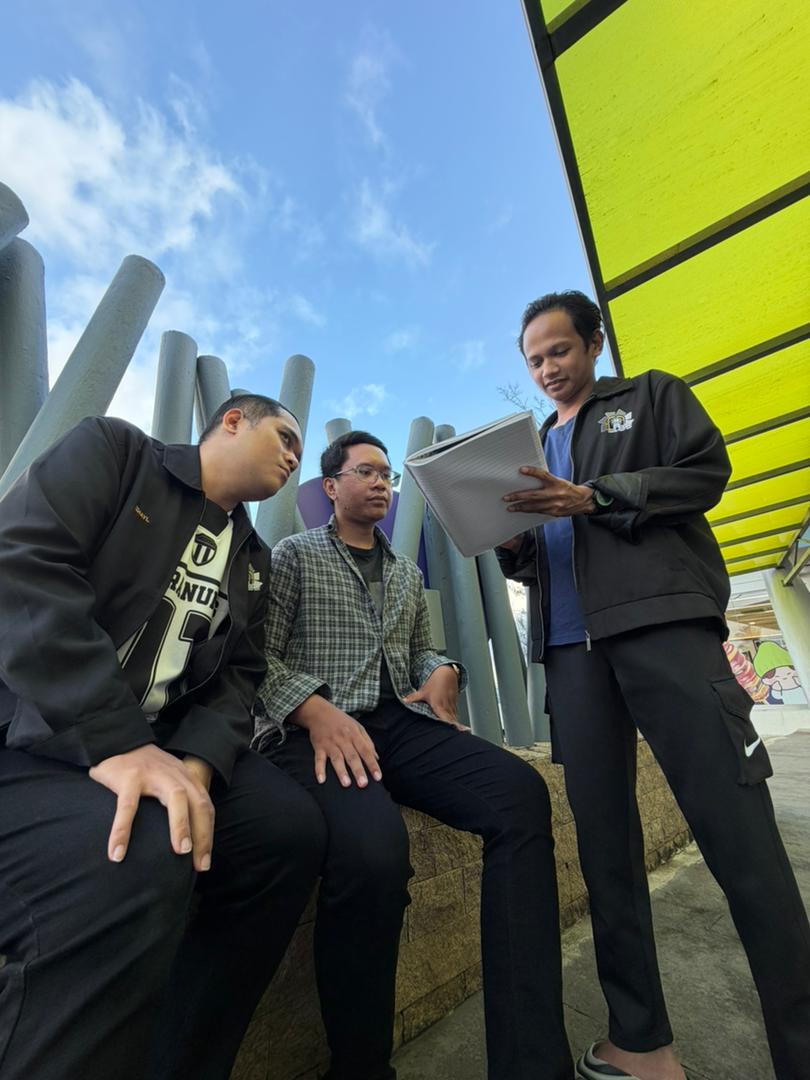
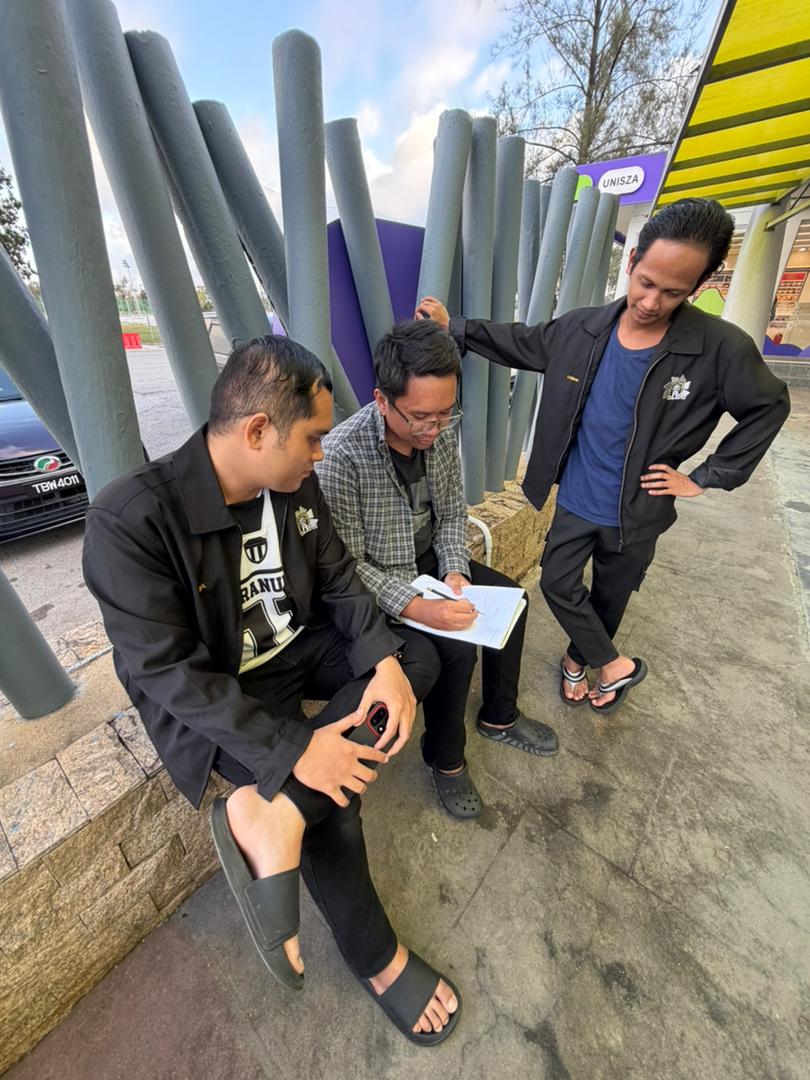
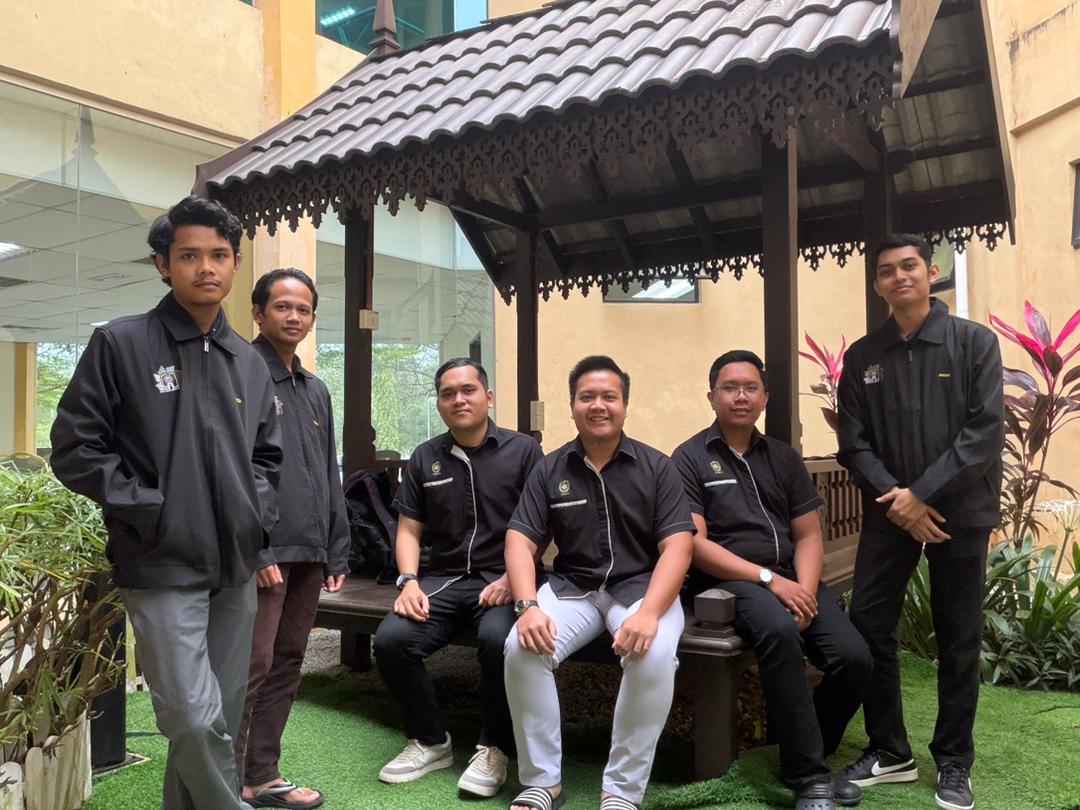
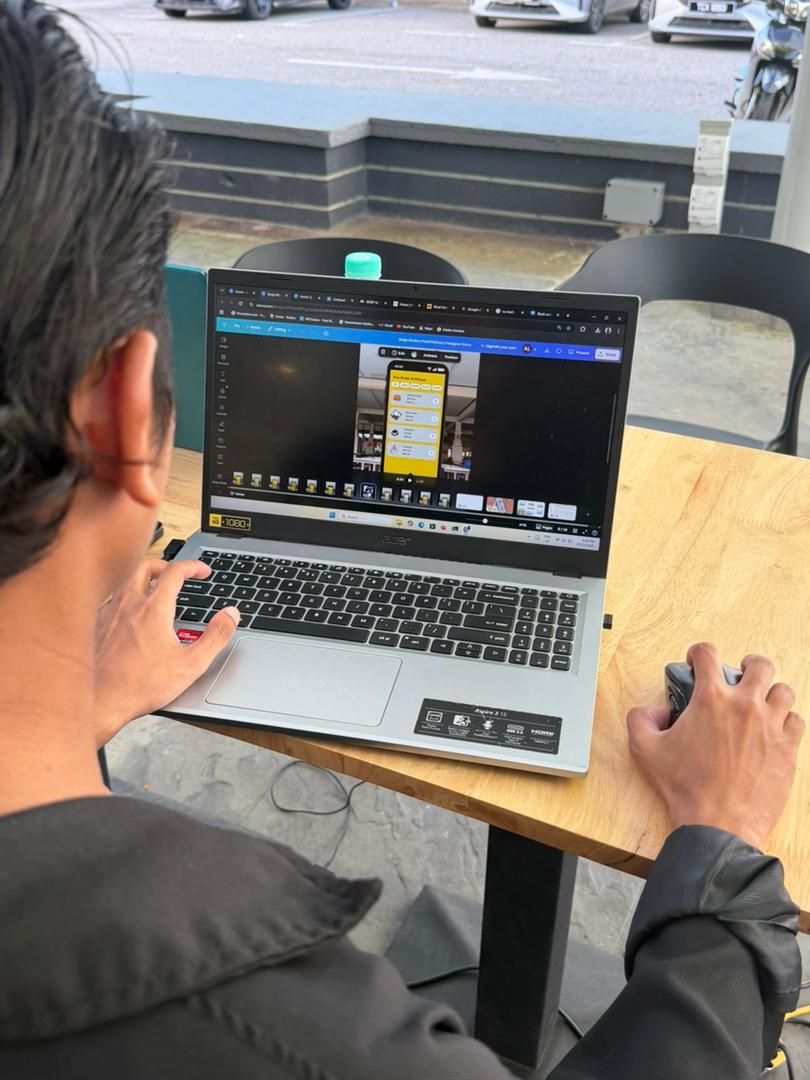
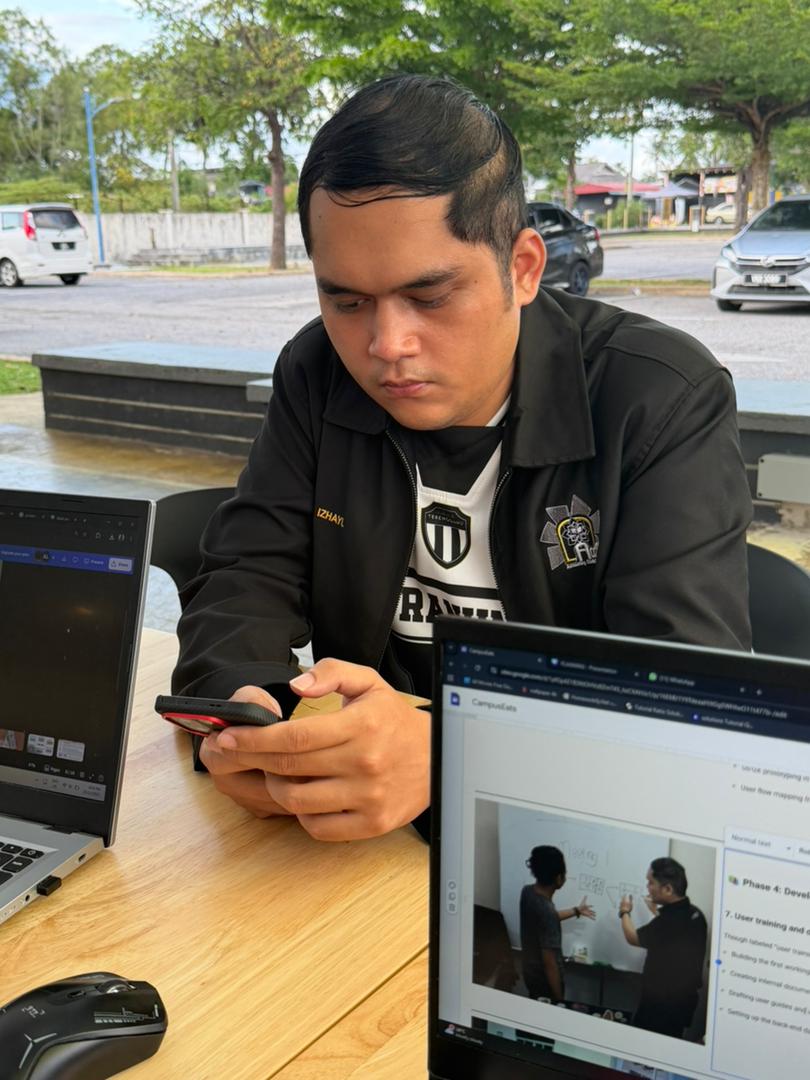
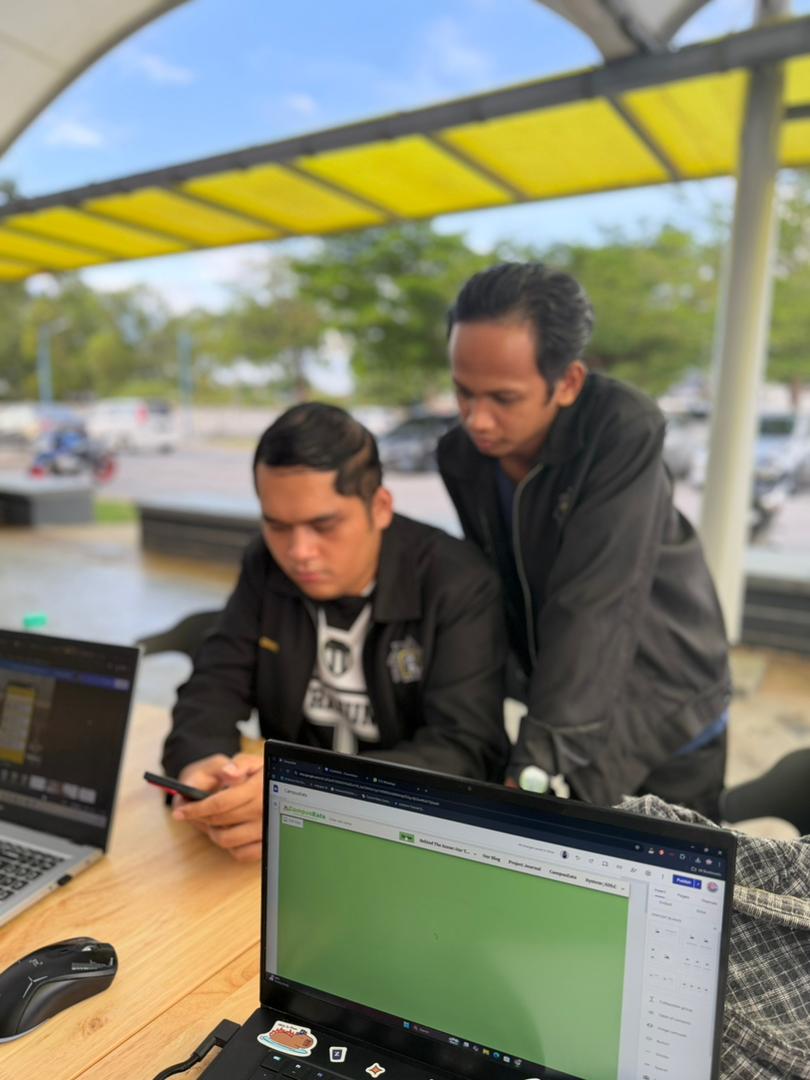
Project Development Journey

Follow our progress through each phase of building CampusEats

📅

Phase 1: Foundation & Ideation

Oct 20 – Nov 1

1 Briefing e-portfolio (Oct 20–26)

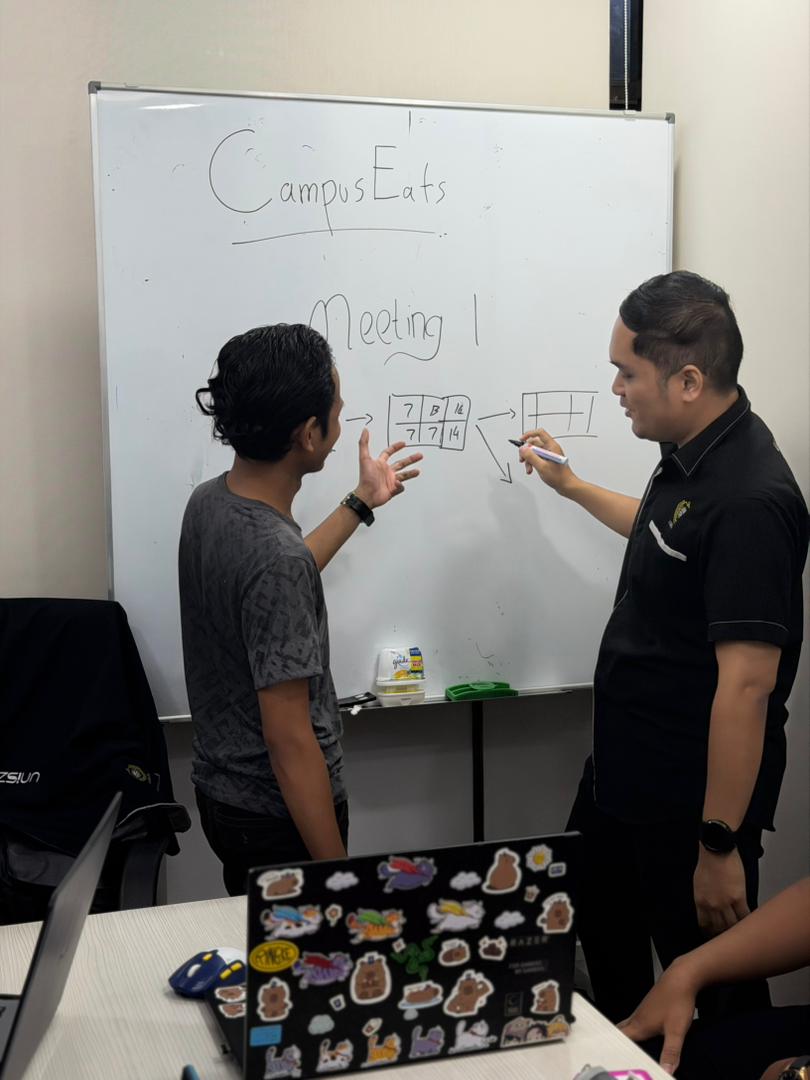
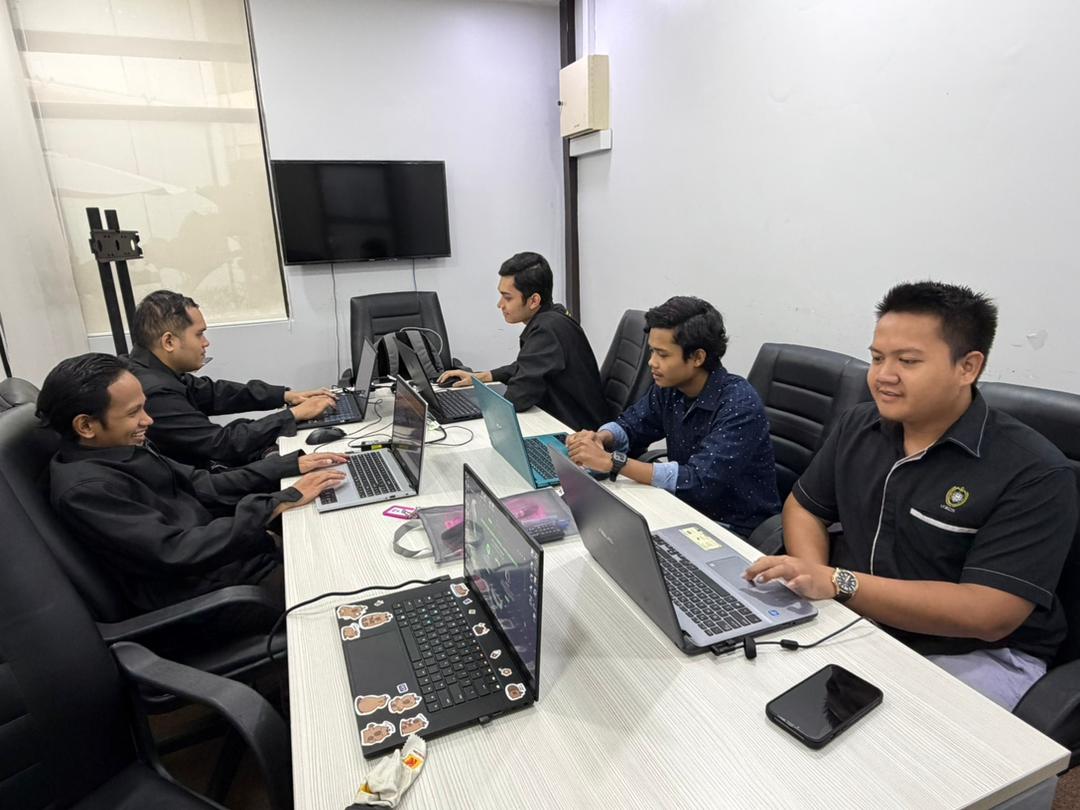
This was our official kickoff. We reviewed project guidelines, understood deliverables, and aligned on tools (like Trello for task tracking and Google Drive for documentation). The goal was clear: build a functional, student-centric mobile app proposal.
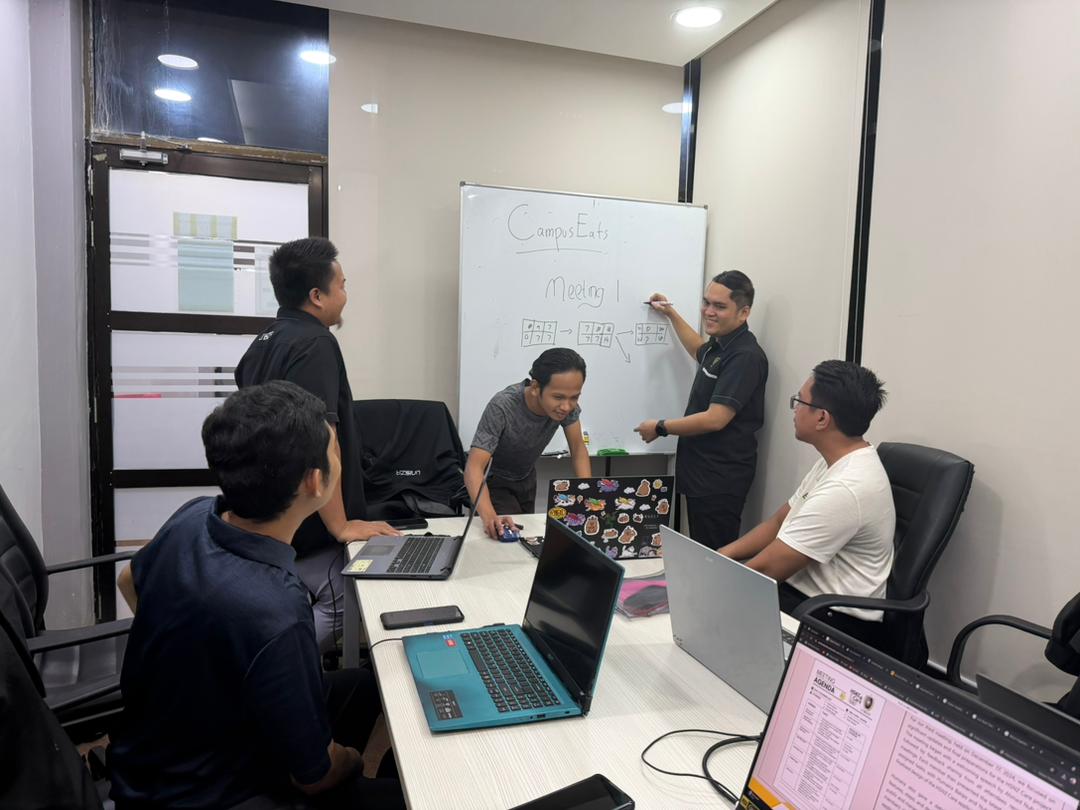
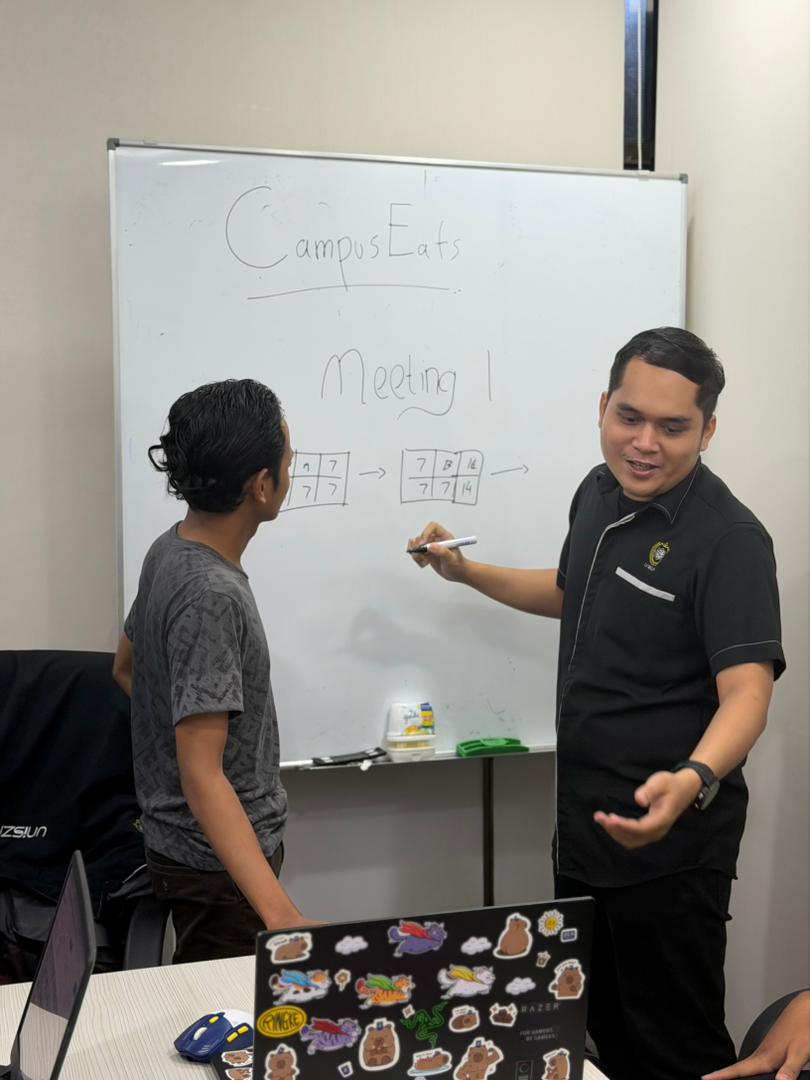
2 Choosing the idea (Oct 26 – Nov 1)

We brainstormed several ideas — a library seat booking system, a campus ride-sharing app, and a lost-and-found platform.

Why we chose CampusEats:
  • Directly addressed a daily pain point: food queues and limited dining options.
  • High potential for user engagement (everyone eats!).
  • Scalable and vendor-friendly.
🛠️

Phase 2: Planning & Setup

Nov 2–15

3 Choosing a website / platform (Nov 2–8)

We researched development approaches:

  • Native app (iOS/Android) – Better performance but longer dev time.
  • Cross-platform (Flutter/React Native) – Faster deployment, shared codebase.
  • Progressive Web App (PWA) – Accessible via browser, lighter.
Decision: We opted for a cross-platform approach using Flutter to reach both iOS and Android users quickly.

4 Initiate projects and planning (Nov 9–15)

Here we set up:

  • GitHub repository for version control.
  • Figma workspace for UI/UX design.
  • Backend architecture plan (Firebase for real-time data, menus, and orders).
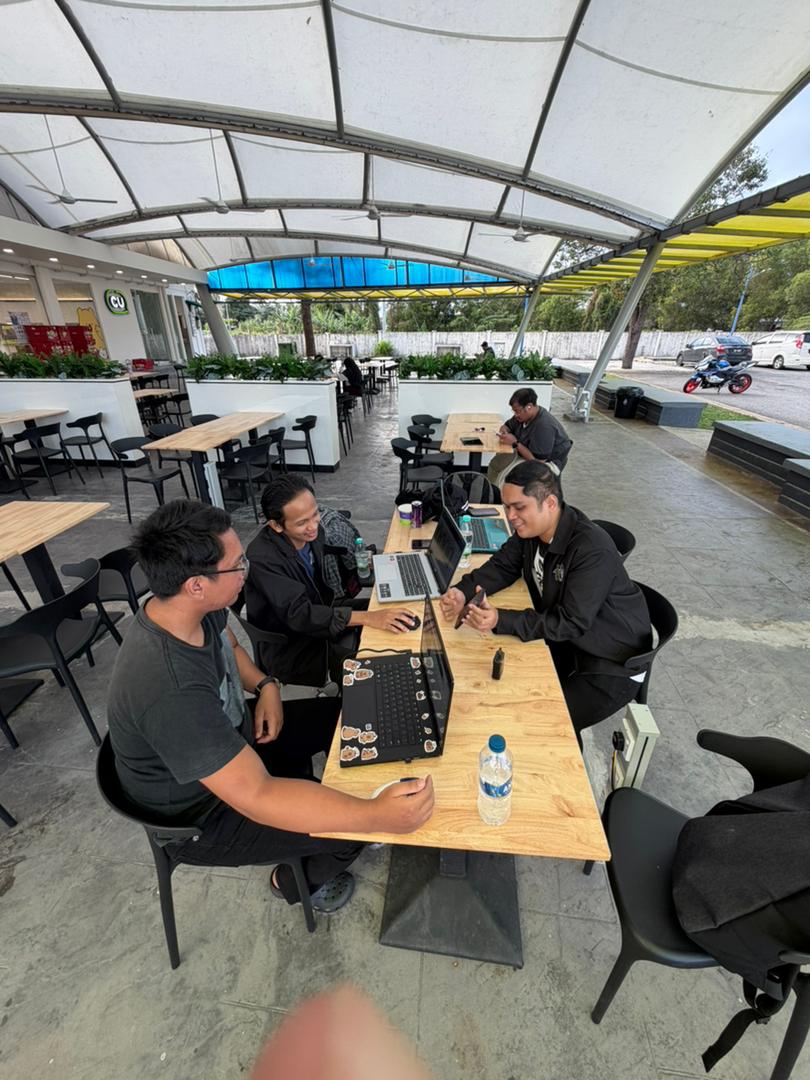
  • Defined roles within the team (frontend, backend, research, testing).
📊

Phase 3: Analysis & Design

Nov 16–26

5 Requirements gathering and analysis (Nov 16–21)

We conducted:

  • Student surveys (120 responses) to identify key frustrations.
  • Vendor interviews with 5 campus food sellers.
Key findings:
  • 78% of students skip meals due to long queues.
  • Vendors wanted a simple way to update menus digitally.
  • Map integration was a top request for finding hidden food spots.

6 Preparing for designs (Nov 22–26)

Our design phase included:

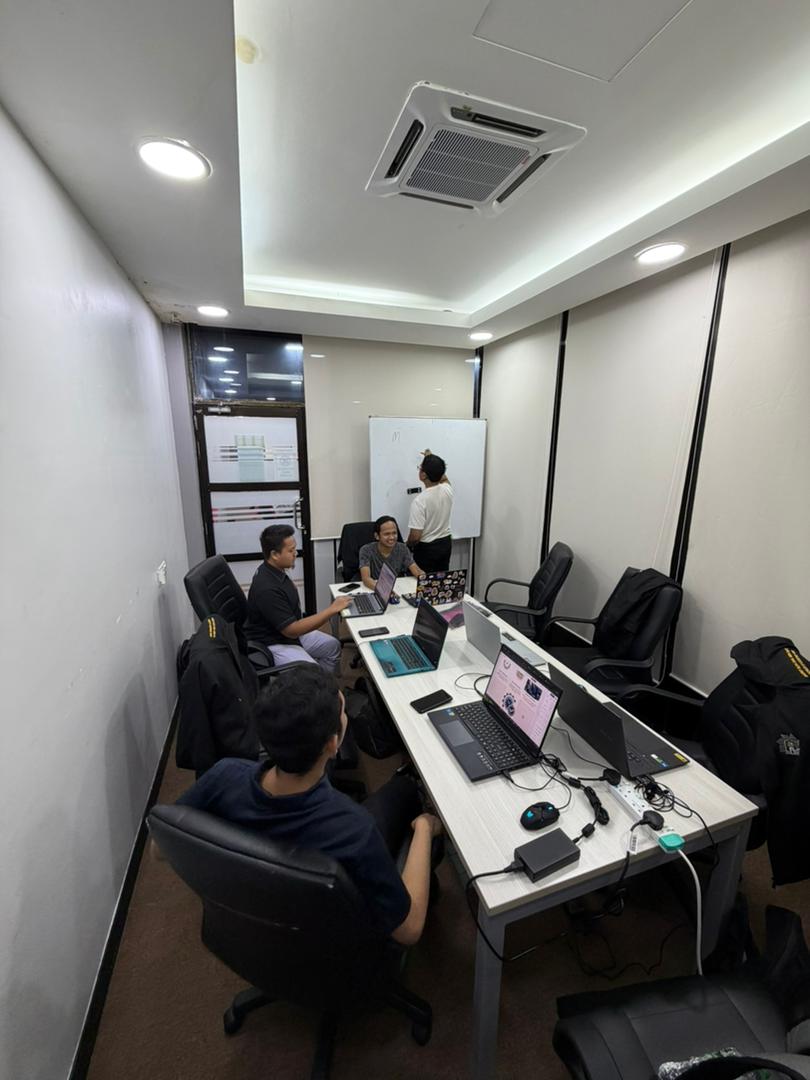
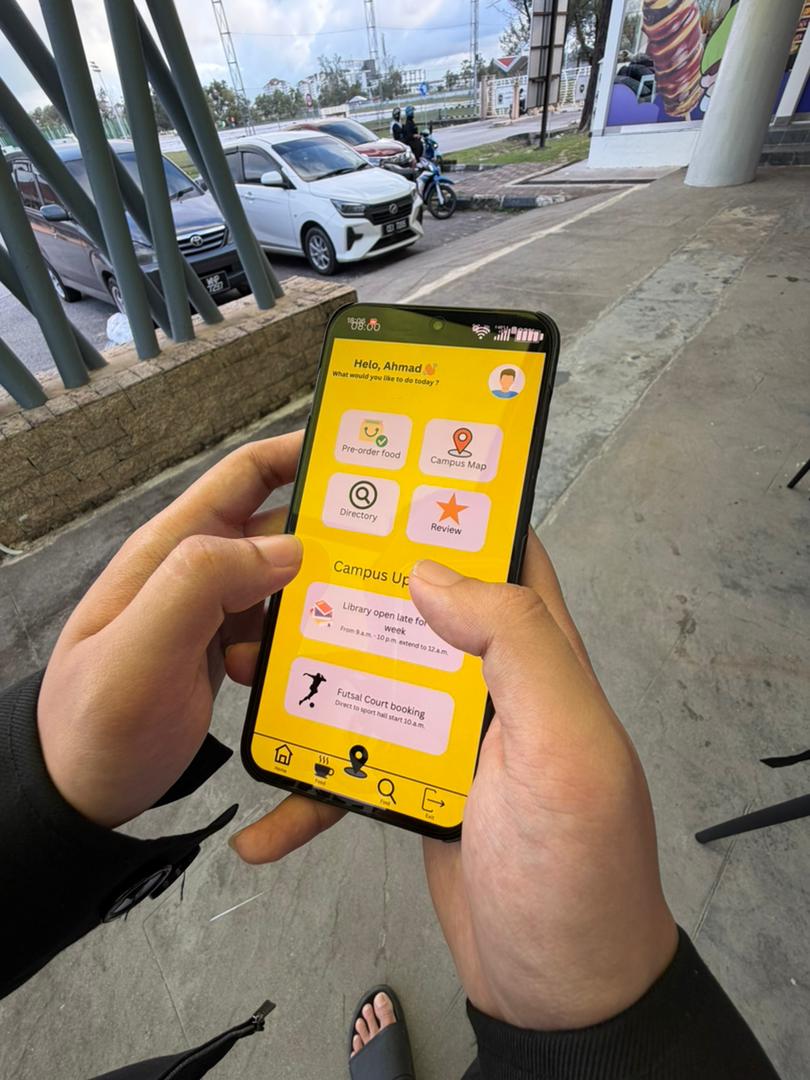
  • Wireframes for core screens: home, map, menu, cart, vendor dashboard.
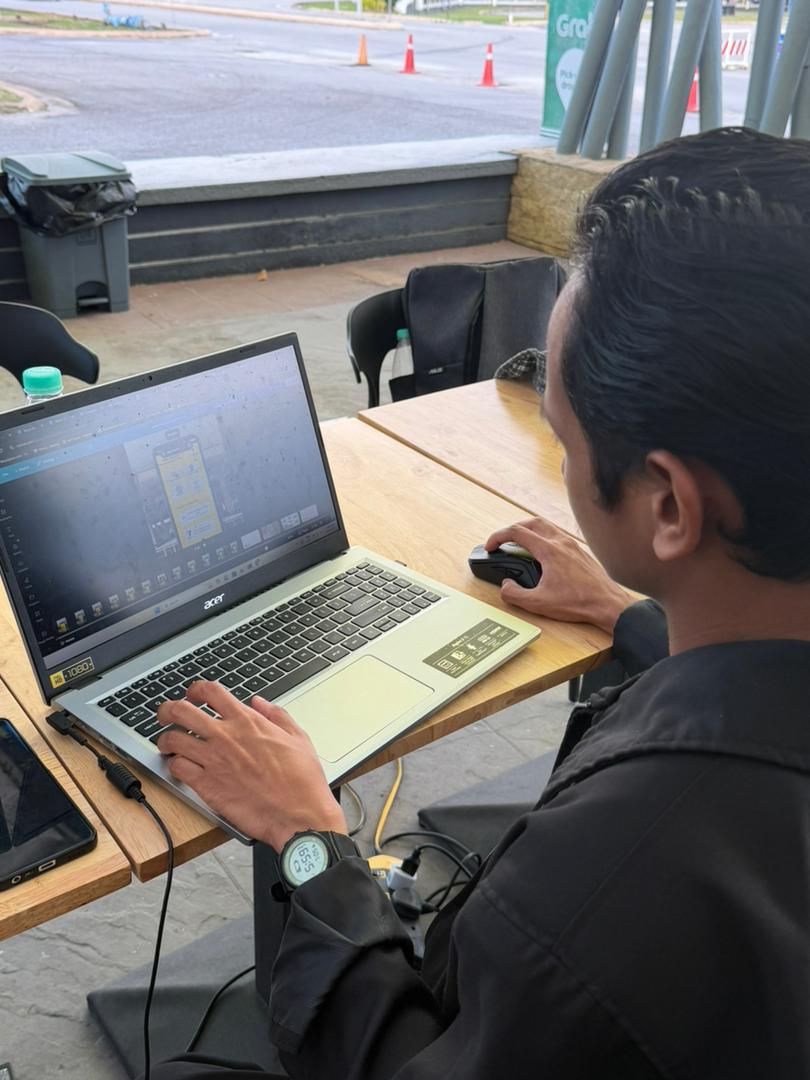
  • UI/UX prototyping in Figma with a student-friendly color scheme (bright, appetizing colors).
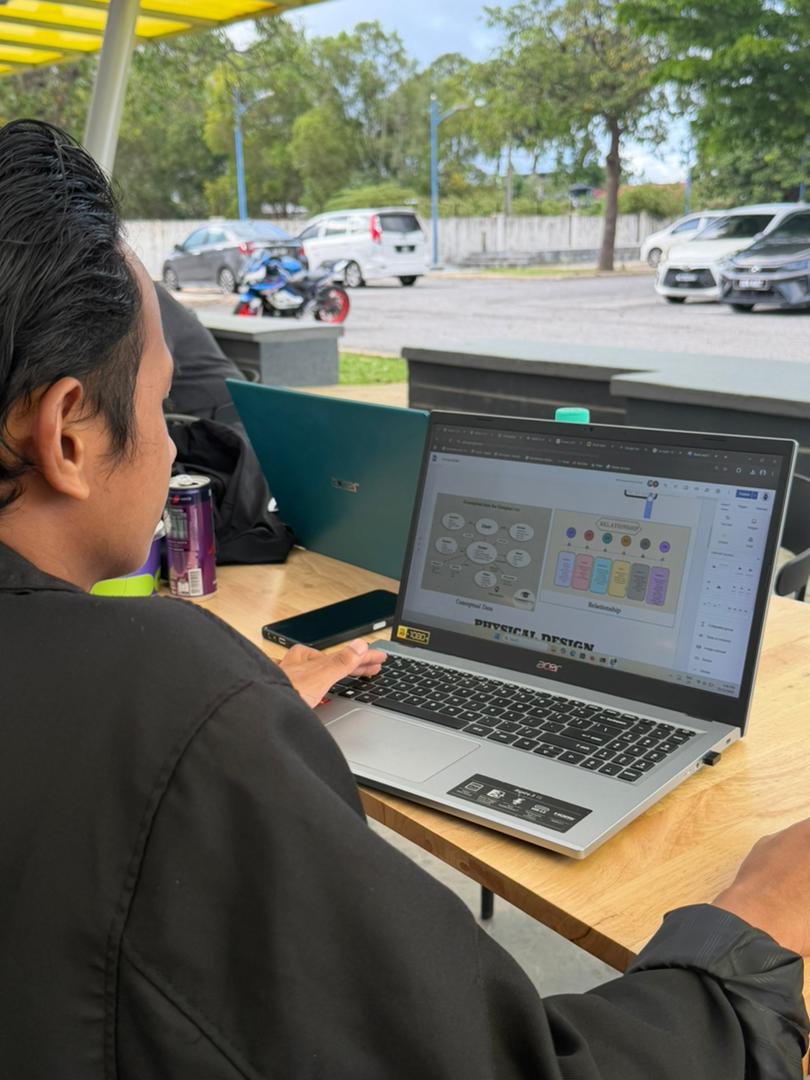
  • User flow mapping from discovery to order pickup.
📚

Phase 4: Development & Documentation

Nov 27 – Dec 11

7 User training and documentation

Though labeled "user training," this phase focused on:

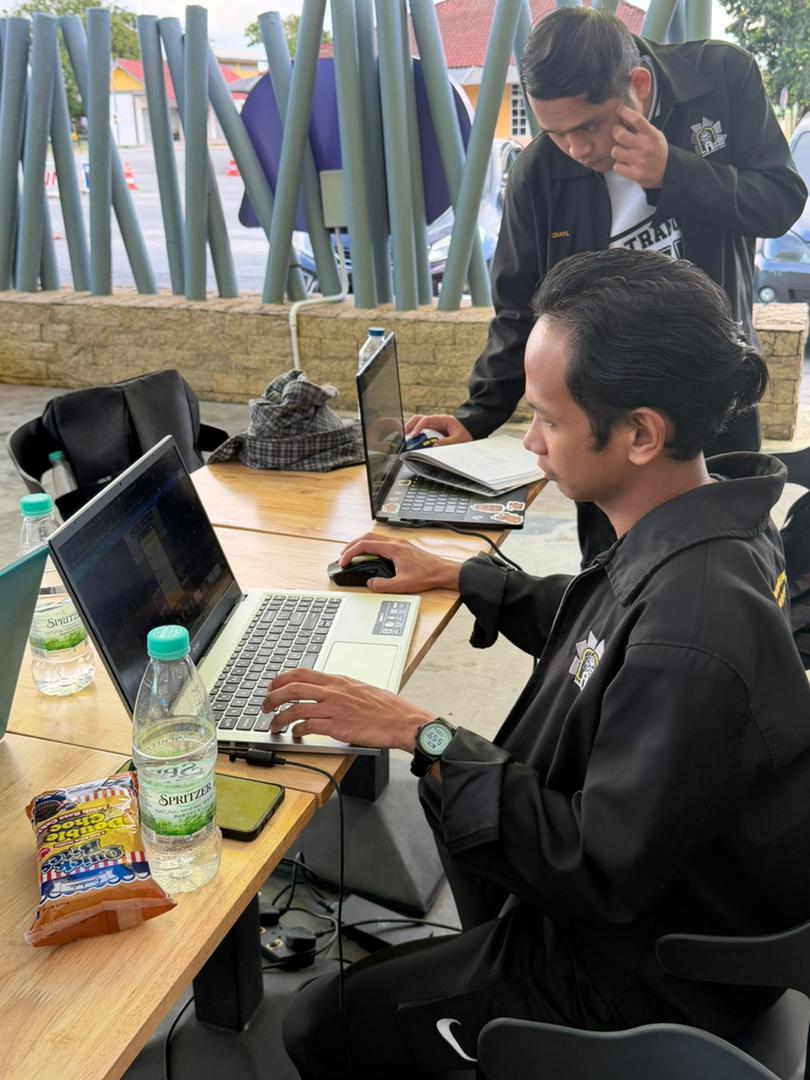
  • Building the first working prototype.
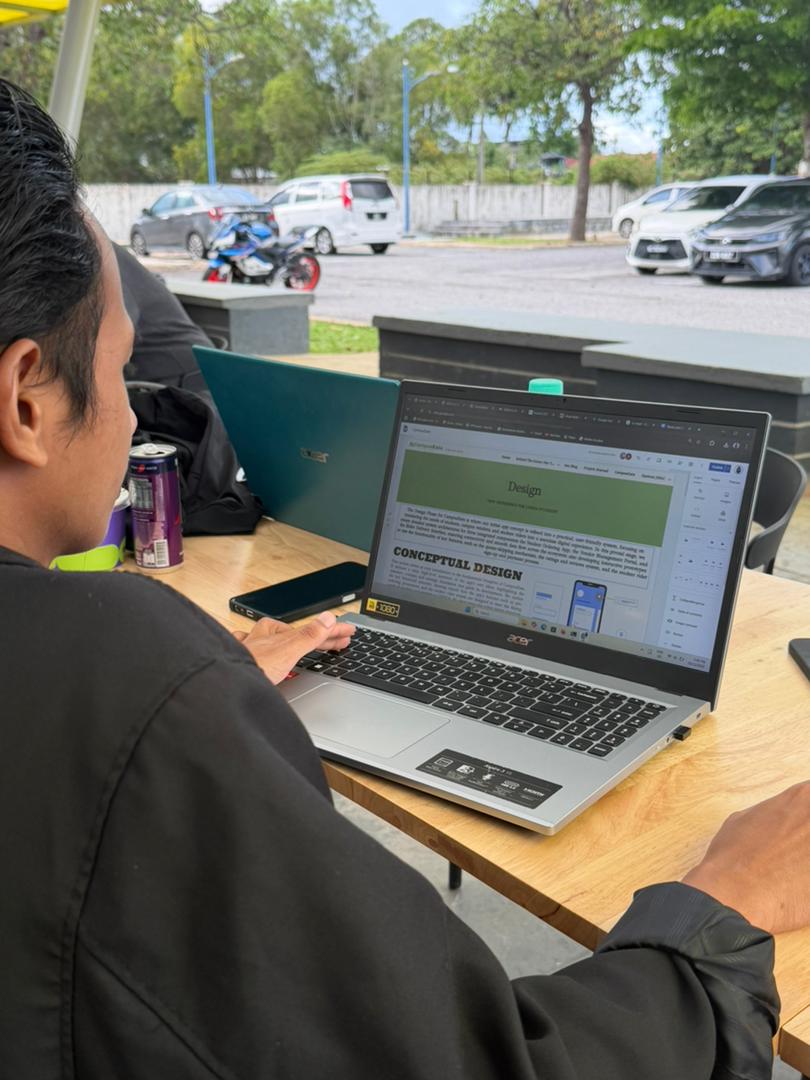
  • Creating internal documentation for code and design systems.
  • Drafting user guides and vendor onboarding materials.
  • Setting up the back-end database structure for menus, users, and orders.
🔄

Phase 5: Refinement & Final Touches

Dec 12–31

8 User feedback and continuous improvements (Dec 12–26)

We're currently here! Activities include:

  • Alpha testing with 30 students across faculties.
  • Vendor pilot with 3 campus cafés.
Collecting feedback on:
  • App usability
  • Order accuracy
  • Map functionality

Iterating based on real-world use.

9 Submission (Dec 27–31)

Our final stretch:

  • Finalizing app polish (bug fixes, UI tweaks).
  • Compiling project documentation.
  • Preparing demo video and final presentation.
  • Submission before year-end.